Last year I built a context repository — a wellspring of critical company information assembled as markdown files in a git repo. Strategy, brand, product specs, all structured so AI could reason from it. I also included a lightweight static site so humans could browse the same content conveniently. But the real payload was always the markdown.
Since then, markdown has become the de facto lingua franca of AI-assisted work — and increasingly beyond it. That’s why I built Markdown Library ML-42.
Markdown Everywhere
They’re in every project. They define the skills my agents use. They hold the specs that shape what gets built. The artifacts AI produces come back as markdown. This blog post is written in markdown. Even the style guide that governs how these posts get written is a markdown file that AI reads before it generates a single word.
Markdown became the connective tissue between me and the machines I work with. Not because anyone planned it that way, but because markdown is the format that both humans and AI can read and write without friction. No proprietary format. No import step. No database. Just text files on disk.
The Gap
The problem is that none of my existing tools were built for this. Code editors treat markdown as just another file type. Note-taking apps want to own your files and lock them into their own system. I needed something that could browse markdown across dozens of project folders, render it cleanly, and let me edit in place — without importing, syncing, or converting anything.
So I built Markdown Library ML-42.
A Native Reader and Editor
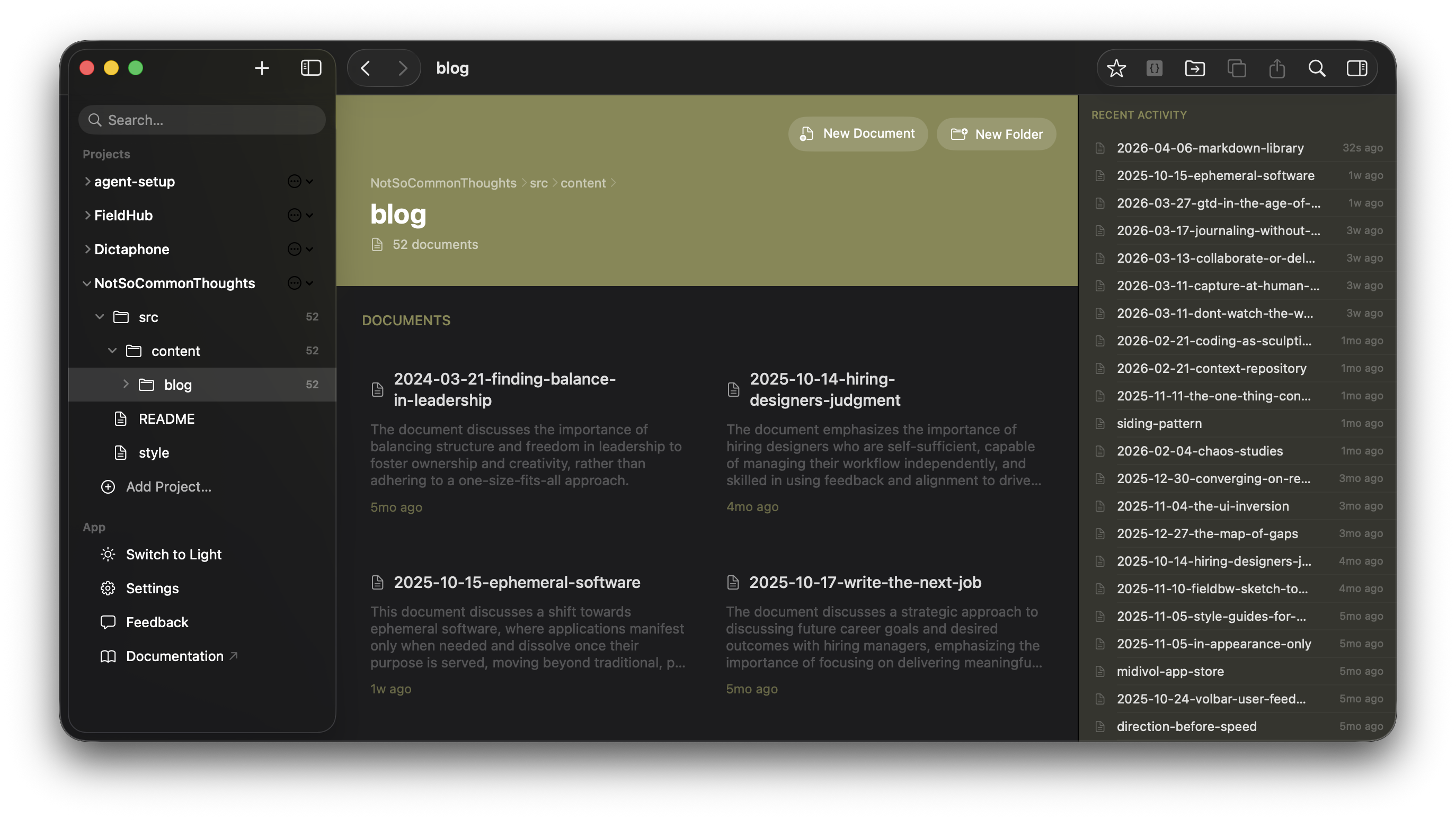
Markdown Library ML-42 is a native macOS app for people who live in markdown. You point it at any folder on your disk and it shows you the markdown files as a navigable project tree. The sidebar reflects your file structure. The inspector gives you a table of contents. Back and forward navigation works across files and folders, just like a browser.
The editing model borrows from Obsidian’s live preview approach: markdown syntax fades as you read, but move your cursor into any block and the raw syntax appears for editing. You’re always looking at a readable document, but you’re never more than a click away from the source. Syntax highlighting for code blocks, rendered tables, structured front matter display — everything you’d expect from a dedicated markdown environment.
Search works across all your projects simultaneously. Hit Cmd+K and find any file or content match, regardless of which folder it lives in. The app watches your files in real time, so when an AI agent writes or modifies a markdown file, Markdown Library picks up the change immediately.
Discoveries
One of the unexpected rewards of having a proper browsing tool was rediscovery. I pointed Markdown Library at a shared repository at work and found a whole collection of agent skills a co-worker had added — well-structured, useful skills I had no idea existed. In another repo, I stumbled on older spec files that were still relevant but had been buried under layers of newer work.
These files were always there. I just never had a tool that made browsing them natural. When markdown is treated as a first-class format rather than a raw text file in a code editor, you actually read it. And when you read it, you find things.
The Format That Won
I didn’t set out to become a markdown maximalist. But the practical reality is hard to argue with. Markdown files are easy to read, easy to edit, easy to version, and easy for AI to work with. They don’t require a runtime. They don’t expire. They work with every tool in my stack, from Claude Code to git to a plain text editor. If you’re new to the format or want a refresher, there’s a markdown primer in the docs.
The context repository made the pattern visible. Markdown Library is what grew out of needing a proper way to work with all the markdown that followed.
Markdown Library ML-42 is now available for beta testing. If you work with markdown files across multiple projects — especially in AI-assisted workflows — sign up here. Documentation is on Field Bureau & Werkstatt.