Hold a key, talk, and the words land in whatever field has focus, with the filler taken out. TypeWhisper does that in any app on the Mac. Wispr Flow does the same and does it well, with a weekly word limit on the free plan and $15 a month for Pro. TypeWhisper does it with the models you pick, including your own.
Most of what makes it useful sits around the dictation. Workflows reshape what you said depending on where you said it: a translation in one app, a tidier email in another, set per app or per website. A workflow can also have its own hotkey and work on the selected text instead of your voice. The dictionary fixes the names it keeps getting wrong and learns from the corrections you make. Snippets turn a short trigger into text, with the date or the clipboard filled in. Everything you dictated sits in a searchable history, and it transcribes audio and video files you drop on it, with subtitles if you want them.
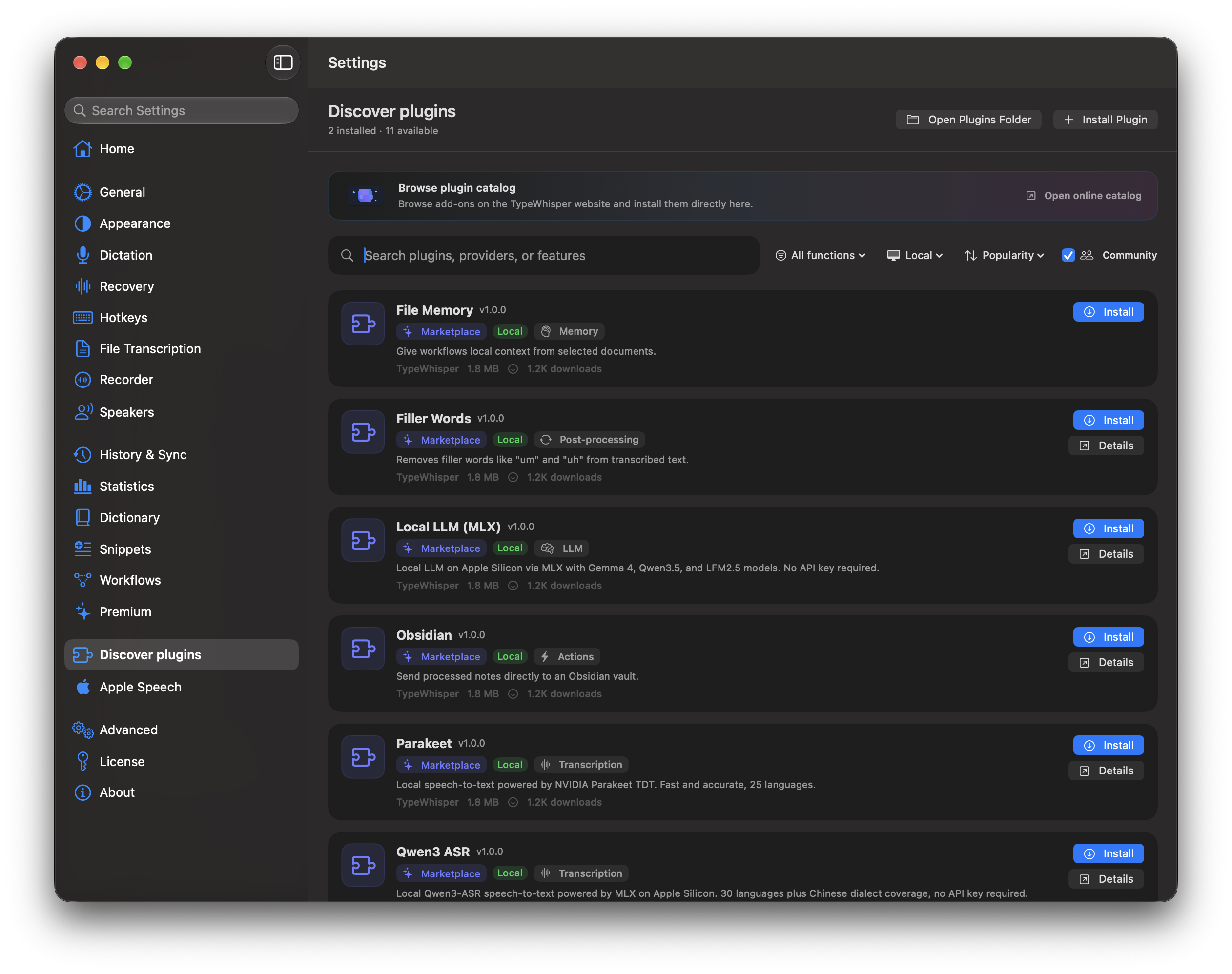
You choose the model that hears you and the one that tidies the text. On the Studio both run on oMLX, whisper-large-v3-turbo and the Qwen the house already keeps loaded. Four machines use it now. Rainbow, my MacBook Air, dictates to the Studio over Tailscale, and a machine that cannot reach the Studio uses Apple’s SpeechAnalyzer on the device, which is good enough to be the default.
It works really well. It is GPLv3, written by one German developer, Marco Hillger, who pushes to it almost every day. Running it is free, work use included. Premium adds sync between Macs, speaker detection and correction learning in other apps. I have not checked what the app does on the network by itself.
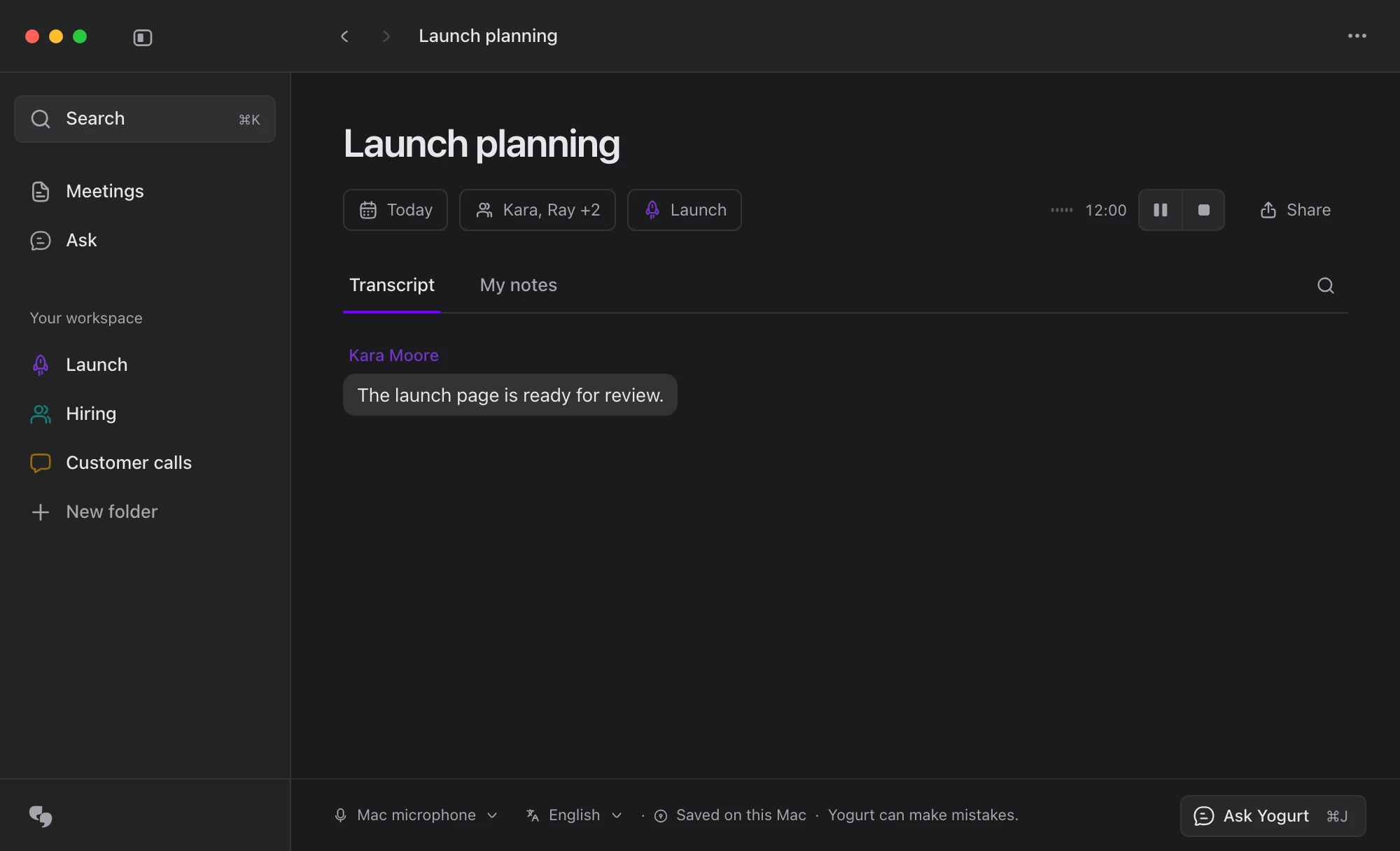
Yogurt does the same for meetings, and its models never leave the computer it runs on.